HP Copier Rental Baltimore: Skip the Fuser & Maintenance Kit Hassle
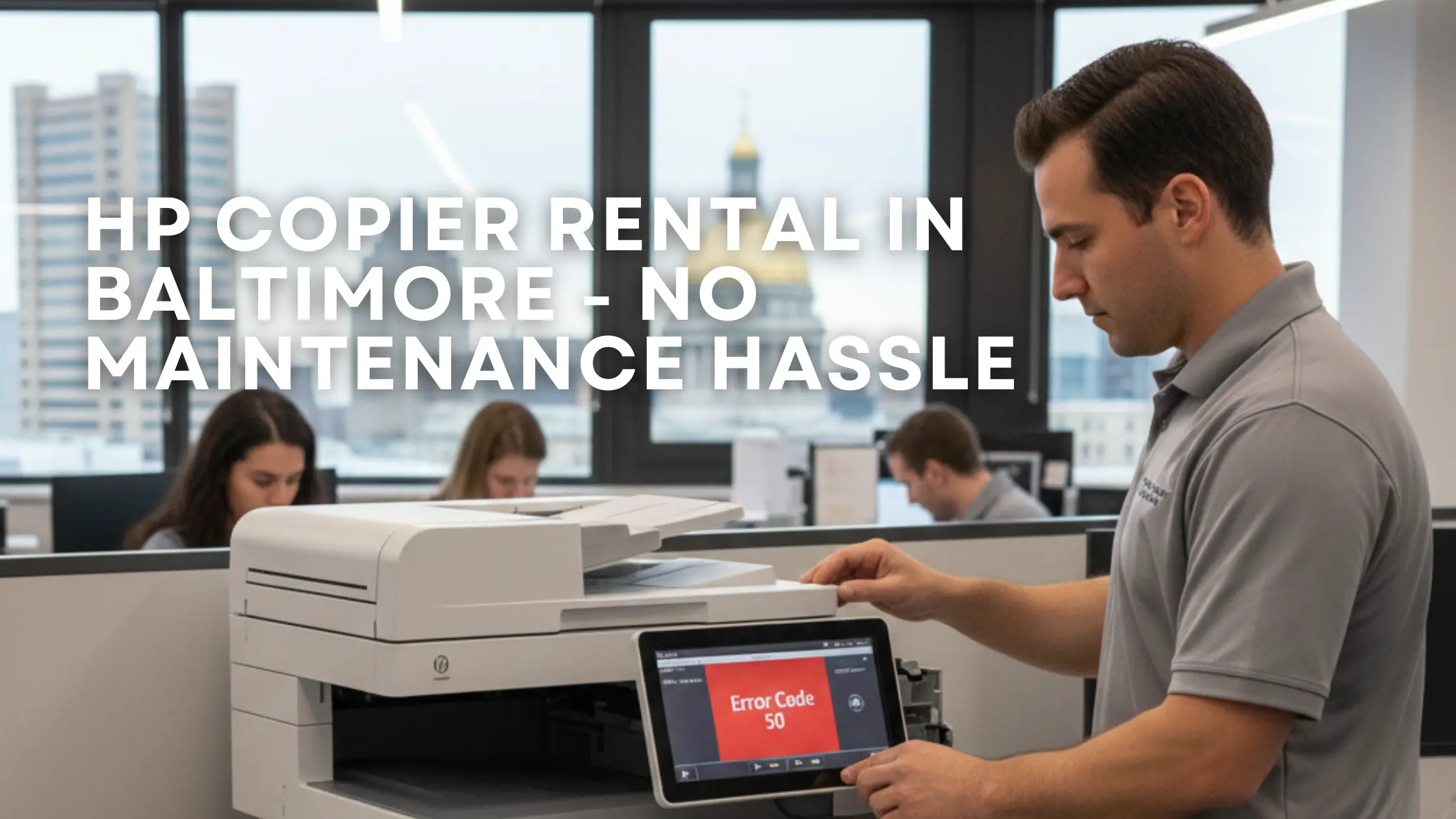
If your Baltimore business relies on a high-volume HP laser printer or copier, you know the equipment is reliable—until it isn’t. The moment you see “Error Code 50” (fuser failure) or the display indicates a maintenance kit change, your productivity stops, and your budget takes a hit.
While the technical details of HP printer service are complex, the solution is simple: get a short-term copier rental that includes all maintenance, parts, and service.
Here is a breakdown of the complex maintenance steps your staff currently handles, and how renting from us allows you to skip all of it.
1. The Hidden Costs of HP Printer Maintenance
The HP user manual instructs you to periodically change the fuser and the maintenance kit. These are not minor tasks or cheap repairs:
- Fuser Failure (Error Code 50): The fuser has a limited lifespan. When it starts making noises or print quality drops, replacement is necessary. Fusers alone can cost hundreds of dollars (Source 1.1).
- Maintenance Kit: This kit includes a new fuser and a series of specialized rollers that guide the paper. The cost varies by model but is a significant, recurring expense that must be managed and budgeted for.
- Downtime & Labor Risk: Your team must unplug the printer for up to an hour to let it cool, remove paper trays, and carefully handle the components. Incorrect removal or rushing the job can cause further damage or injuries.
2. The Delicate Process of HP Cleaning
Before installing any new toner, fuser, or maintenance kit, the entire printer must be thoroughly cleaned. This delicate process is often overlooked by busy office staff, leading to jams and poor print quality.
- Avoid Contamination: Care must be taken not to touch the transfer roller (the black roller under the toner), as this can cause a loss in print quality.
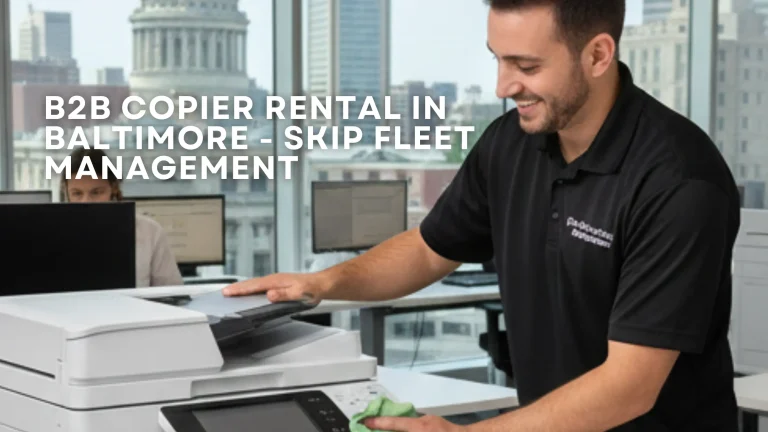
- Correct Cleaning: You must only use a dry or water-moistened cloth—never ammonia cleaners, which can damage the machine. You should never use a vacuum cleaner, as it can damage the printer internals.
- Toner Handling: When removing the toner for cleaning, it must be covered and kept away from direct light.
3. The Easy B2B Solution: HP-Quality Copier Rentals
Why subject your Baltimore office to the expense of fuser replacements and the risk of complex maintenance? Our short-term copier rental service provides the reliability of top-tier equipment (like HP or other leading brands) with none of the maintenance headaches.
- All-Inclusive Service: Your rental fee covers the cost of all supplies, maintenance kits, and unexpected failures (like Error Code 50). You avoid the hundreds of dollars in repair parts and the labor costs associated with replacing them.
- Expert Handling: Our Certified Technicians from Clear Choice Technical Services handle all cleaning, fuser changes, and maintenance kit replacements. We ensure the service is done correctly and safely.
- Maximum Uptime: When your machine signals a problem, you call us. We handle the incident, allowing your staff to focus entirely on their work.
If you are currently wrestling with the maintenance demands of an HP copier or any other brand, simplify your office life. Choose a simple, all-inclusive copier rental instead.
Visit our main page today to get a quote for a hassle-free short-term copier rental in the Baltimore Metro Area.
📞 Get Your Baltimore Copier Solutions Today
Whether you need a short-term copier rental for an event or comprehensive service for your existing office fleet, Clear Choice Technical Services is your trusted local partner.
- Need a Rental Quote? Request a Rental Quote right now to get started!
- Need Repair? Visit our dedicated repair specialists at Copier Repair Baltimore.
- Need to Speak to Us? Call us directly at (410) 220-5299
- Learn More: Discover the nationwide excellence of Clear Choice Technical Services.